GiveWP Register Shortcode
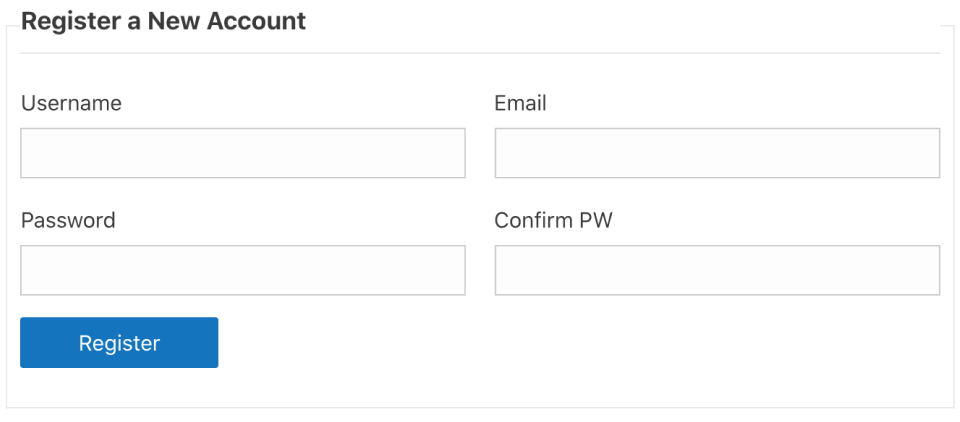
The “GiveWP Register” shortcode allows you to output the default WordPress user registration form anywhere on your website.
Using the Shortcode Builder with [give_register]
The GiveWP shortcode builder appears on sites using the classic (tinyMCE) editor in WordPress, allowing you to build a shortcode automatically. Select the Register option from the dropdown in the shortcode builder, which provides you with one option:
- Redirect URL: This is the URL that visitors are redirected to after registering on the form.
- Shortcode attribute:
[redirect] - Attribute value: text string, needs to be a relative URL or a full URL. There is no default value. If left blank, the registration form redirects to the page it’s inserted on.
- Shortcode attribute:
Example Give_Register Implementation
[give_register]No matter how you configure the redirect URL, the display of the shortcode is the same on the front end of the site.
The style of the output is theme-dependent, but using the shortcodes of [give_register] or [give_register redirect="https://example.com"] will produce the following: