Default Options
The Default Options screen controls settings that apply to all donation forms across the site. Some of these options affect how forms display, but individual forms can override them. This article explains each global setting and how they shape the donor experience.
Articles in this section:
 Post Types
Form Fields
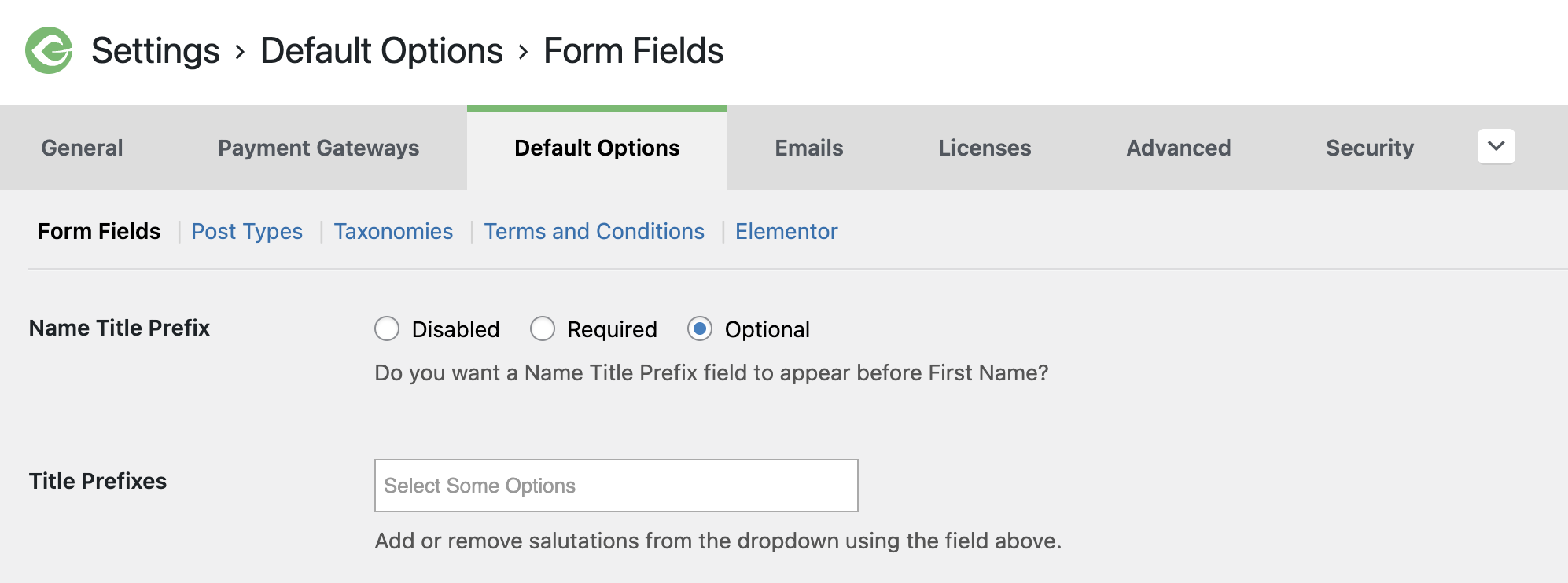
The Form Fields section in Default Options controls the site-wide defaults for donor fields, sometimes called “global options.”
Each setting here can be changed on individual donation forms, and the exact display may vary depending on the Form Template in use.
Name Title Prefix and Title Prefixes
The Name Title Prefix (also called an honorific) adds a dropdown field to the donor’s name. This field can be set to Required, Optional, or Disabled (default).
- When set to Required or Optional, an additional field appears where site admins can manage the available options.
- Type new titles into the Title Prefixes field and press Return/Enter to add them. Titles display on the donation form in the order entered.
- If no custom options are added, the default choices are Mr., Mrs., and Ms.
Settings for Option-Based Forms
These settings are visible when you have the Option-Based Form Editor setting enabled in the Advanced Settings.
Company Field
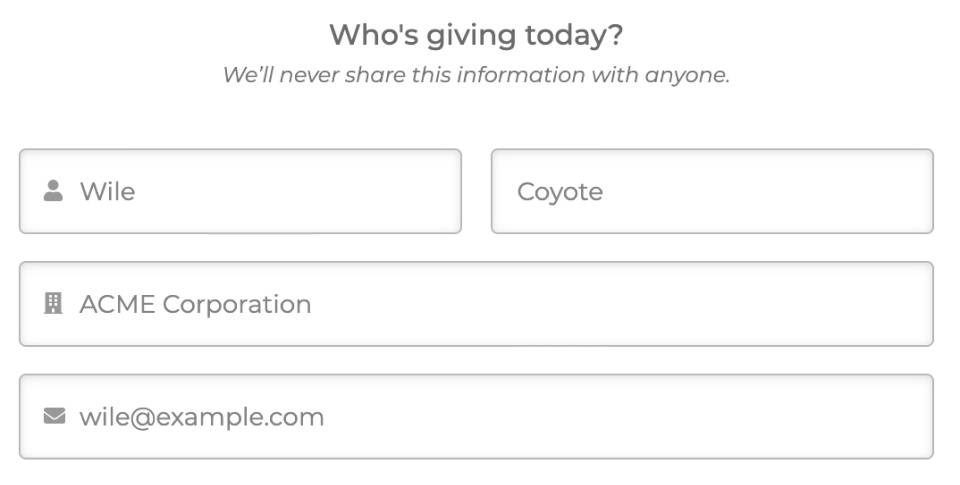
By default, the Company field is not displayed on the form. This option gives you the ability to either require, or optionally collect the donor’s company. If Required is enabled, the donation form will not submit without an entry in the Company field. This is helpful for political and other campaign types that require employer/company information for donations.
Last Name Field Required
The Last Name field will always display, however, like the Company field, you have the ability to either require, or optionally collect the donor’s last name on a donation. This can reduce friction for donor’s privacy concerns.
Anonymous Donations
This option provides a method for donor’s names displaying on published frontend pages such as the Donor Wall.
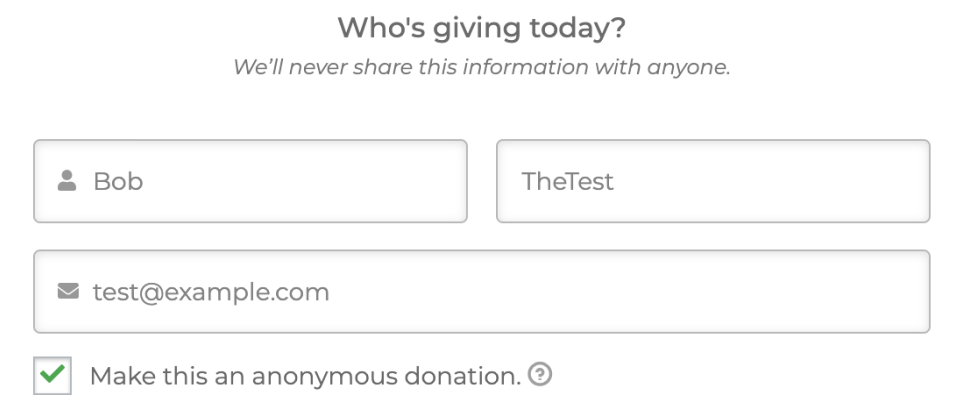
Note: Rest assured the donor information is still saved in the database and displayed for those with access to the donation data in the site admin. Rather, the option allows donors to keep their identifiable information confidential from only the frontend of the website pages.
Donor Comments
This option allows you to collect comments related to donations. These comments are displayed on the Donor Wall, saved in the database, and are visible for who have access to view donation detail data.
Note: Unless a donation is enabled as Anonymous, donor comments are also output on the Donor Wall.